Check your Claude and Codex plan limits before a long agent job
In Claude Code, /usage shows your plan limits; in Codex, /status shows the session’s token usage and context left. ACTVT reads your Claude and Codex plan usage from the provider: how much of the 5-hour session window and the weekly window you’ve used, and when each one resets. Agents can ask for it over MCP with the agent_usage_limits tool before they start a long job, and you can see the same limits in ACTVT’s Overview. Plan usage meters are part of the Premium tier.
0:484 chapters
Step by step
0:00Ask before you start
I’ve got a two-hour job to run, and my plan has usage limits. So before I start, I ask Claude Code whether it’ll fit.
0:15Claude checks the plan
Claude asks ACTVT how much of the plan is used, and it’s fine. 8% of the 5-hour window is used and 40% of the week. Each window has its reset time, which comes from the provider.
0:26The same numbers in ACTVT
You can see the same windows in ACTVT’s Overview. There are Claude’s session and weekly limits with when they reset, Codex’s weekly window next to them, and which plan each one is on.
0:42Spend at API rates
ACTVT works out spend at API rates. If you’re on a subscription, that isn’t what you actually pay, and ACTVT says so on the card.
Questions
- Does it show the 5-hour and weekly windows?
- Yes, with when each resets.
- Can an agent check before it starts?
- Yes, with the agent_usage_limits MCP tool.
More tutorials
All tutorials →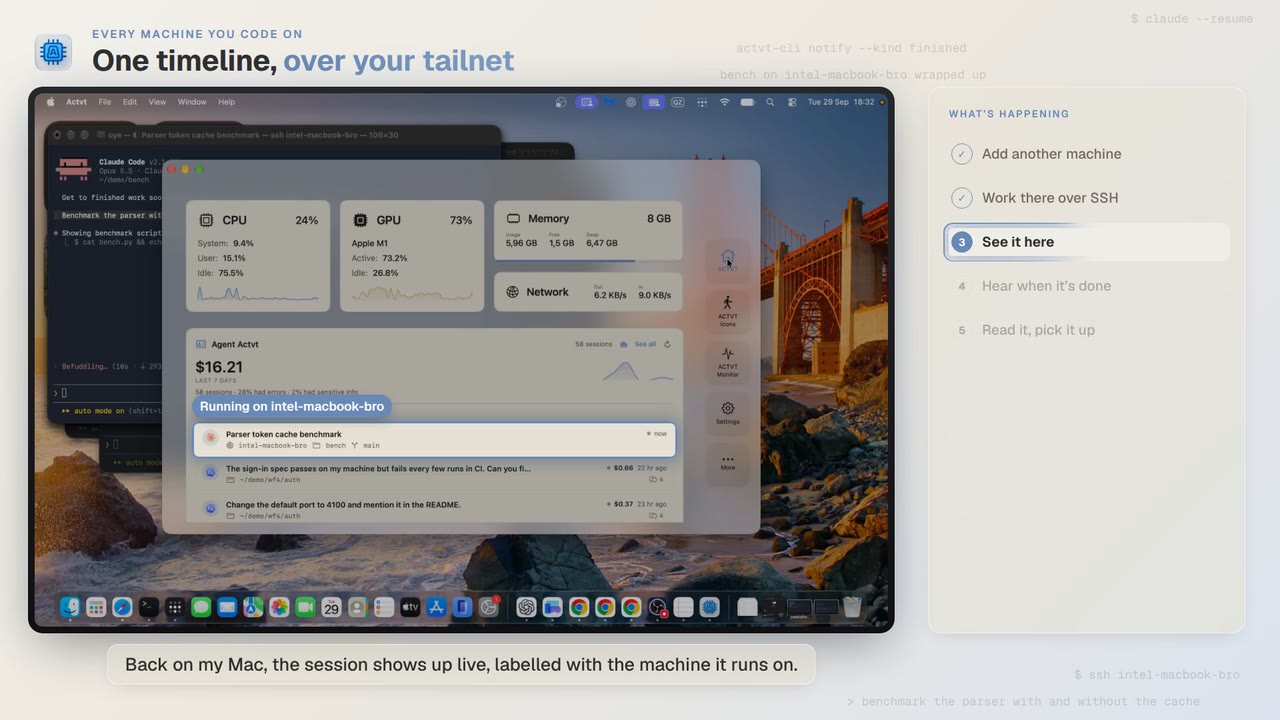 1:24
Every machine you code on
See Claude Code, Codex and pi sessions from all your machines over SSH
Start Claude Code on another Mac over SSH, and you can follow the session from your own Mac while it runs and read the whole transcript when it’s done.
 3:42
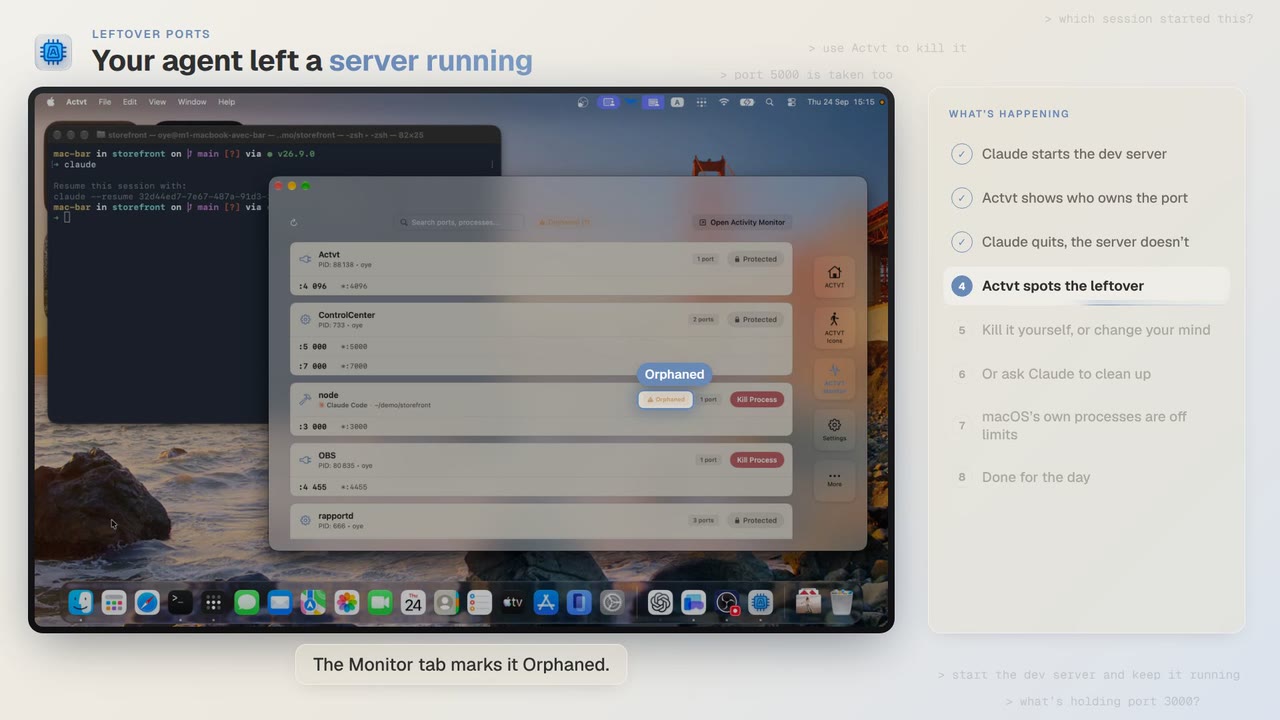
Leftover ports
Find and kill the dev server Claude Code or Codex left running
Claude Code starts a dev server and then quits, and port 3000 stays taken. ACTVT shows you the server whose session is gone and lets you free the port safely.
 2:14
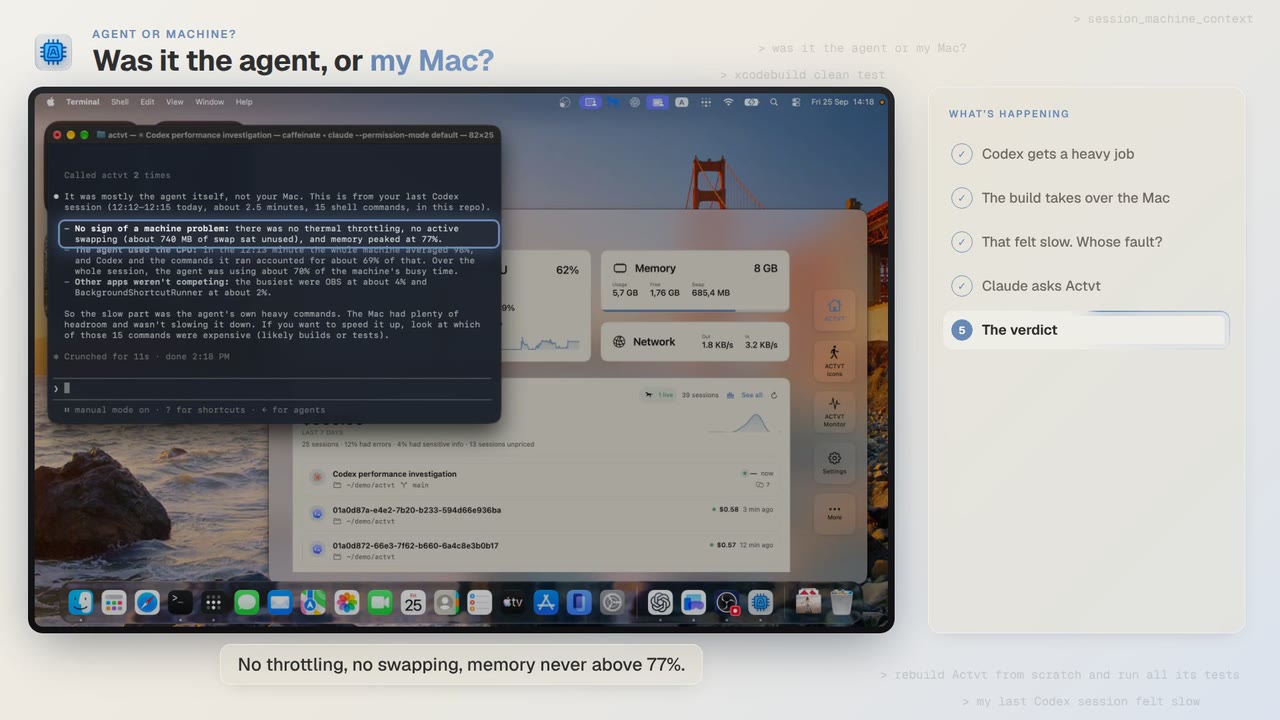
Agent or machine?
Was Codex slow, or was it my Mac?
A Codex build felt slow. Claude asks ACTVT what the Mac was doing during that session and gets an answer with the numbers behind it.
Try it on your own agents
ACTVT is free to start, and reads the session files Claude Code, Codex CLI and Pi already write. Nothing to configure.